10 AI departments
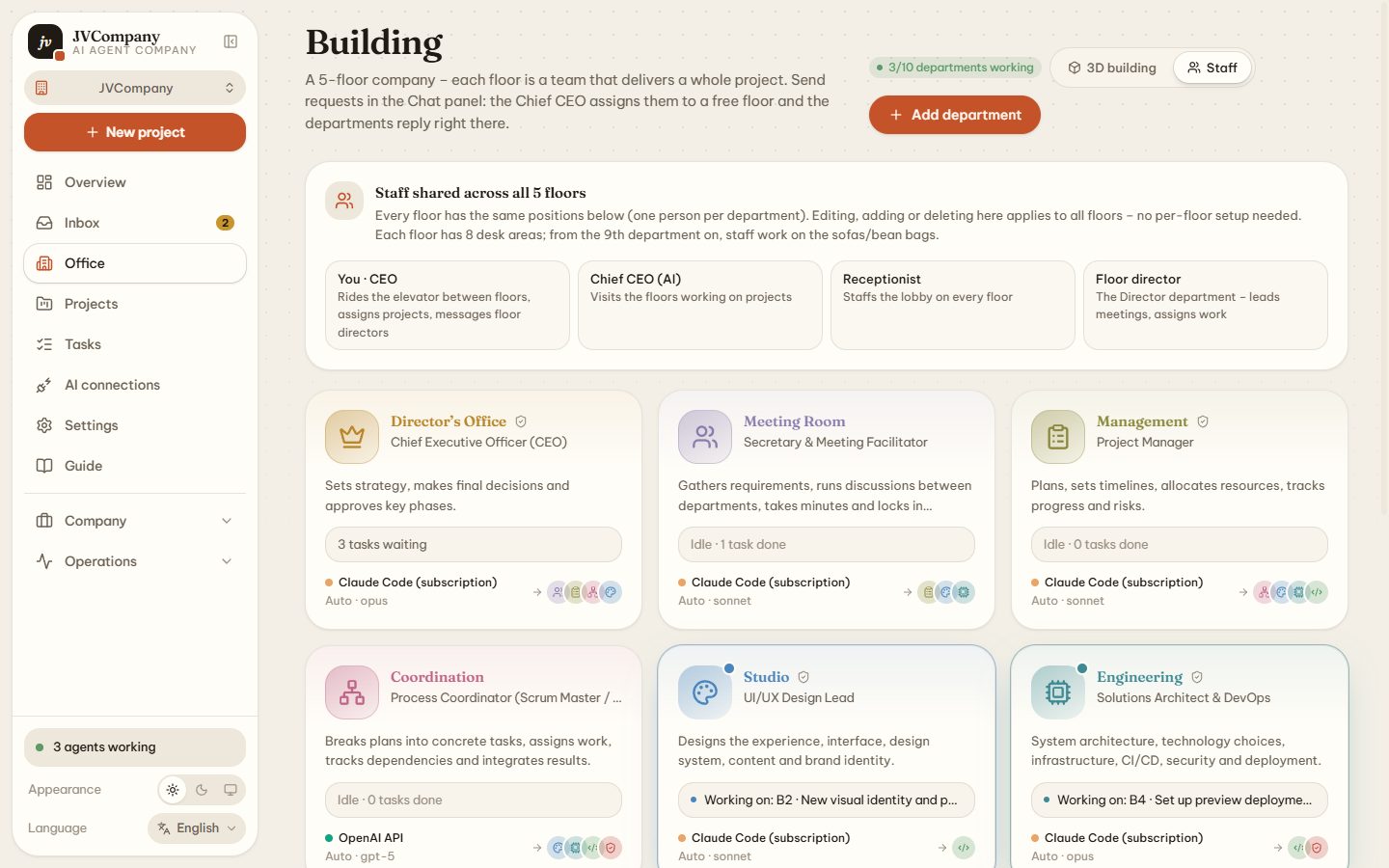
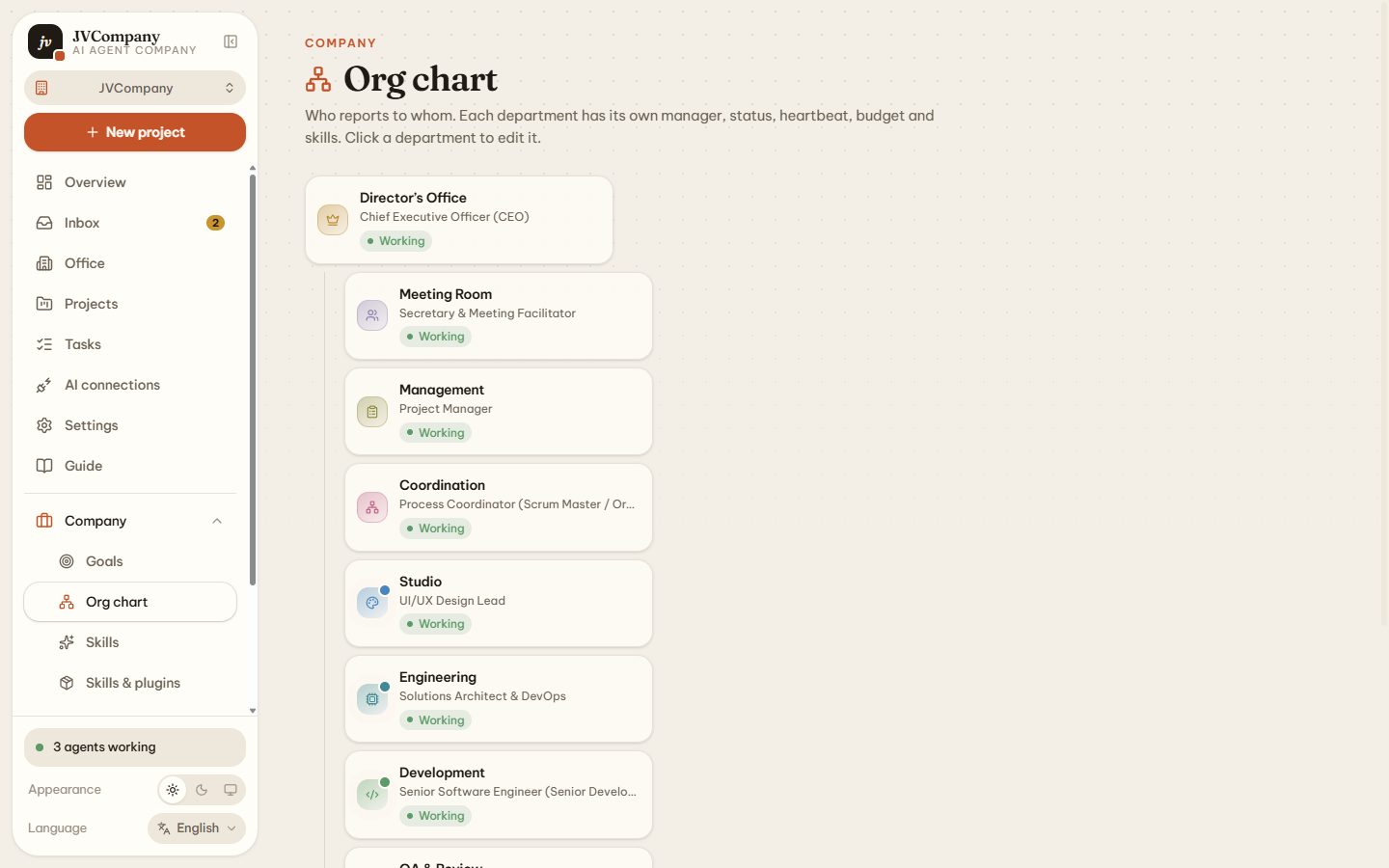
CEO, BA, PM, Scrum Master, UI/UX Studio, Architect/DevOps, Senior Dev, QA, Tester and Bug Fixer — each with a role-specific prompt, permissions and model.
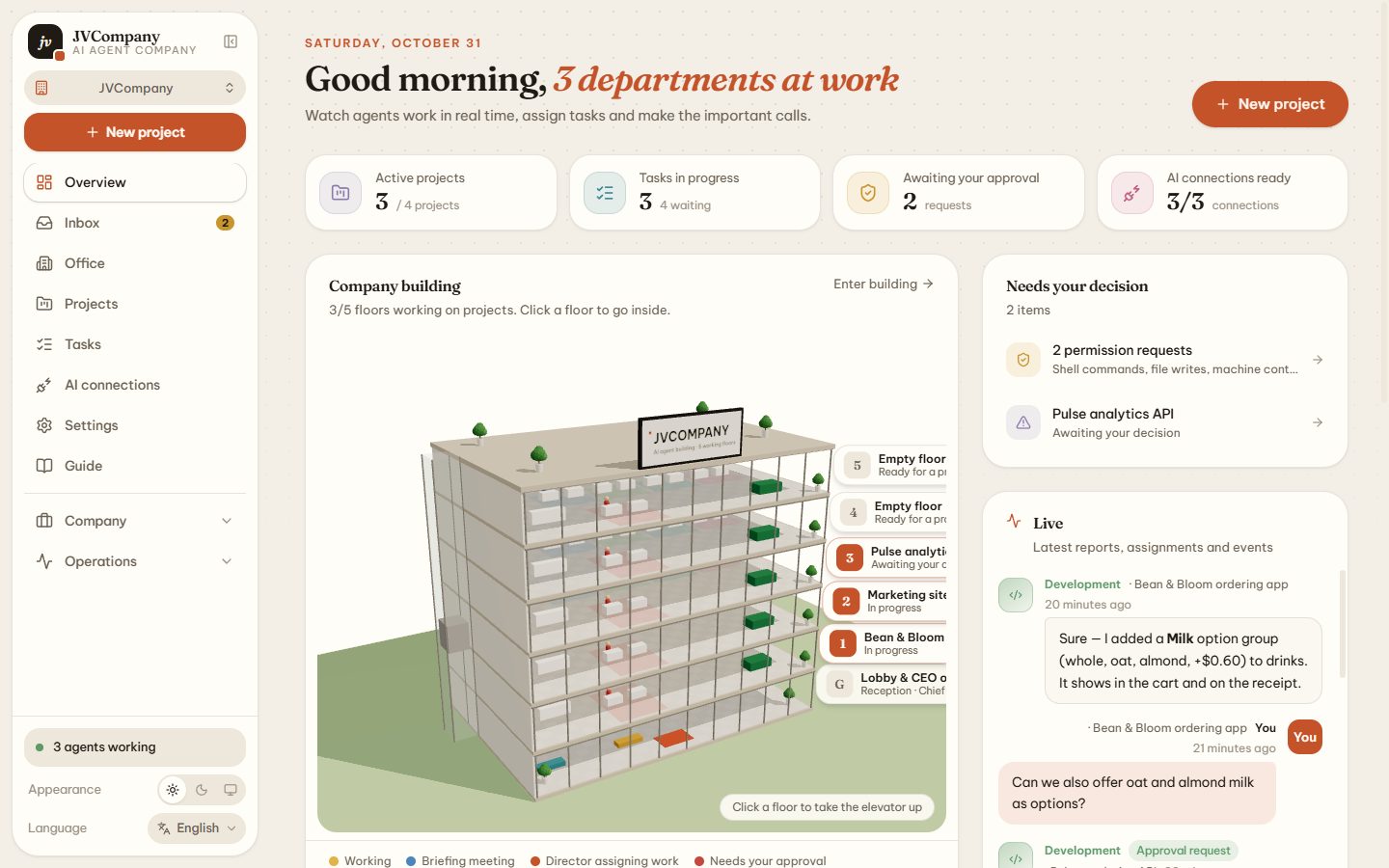
JVCompany is a free multi-agent platform that turns Claude Code, OpenAI Codex, Gemini CLI and any LLM into a real team: hand one request to the CEO, and ten AI departments plan, design, code, test, review and ship it — live, inside a 3D office building.
Works with the AI you already use
An org chart, a workflow, permissions, a budget and a boss — so your coding agents deliver finished, reviewed work instead of one-off answers.
CEO, BA, PM, Scrum Master, UI/UX Studio, Architect/DevOps, Senior Dev, QA, Tester and Bug Fixer — each with a role-specific prompt, permissions and model.
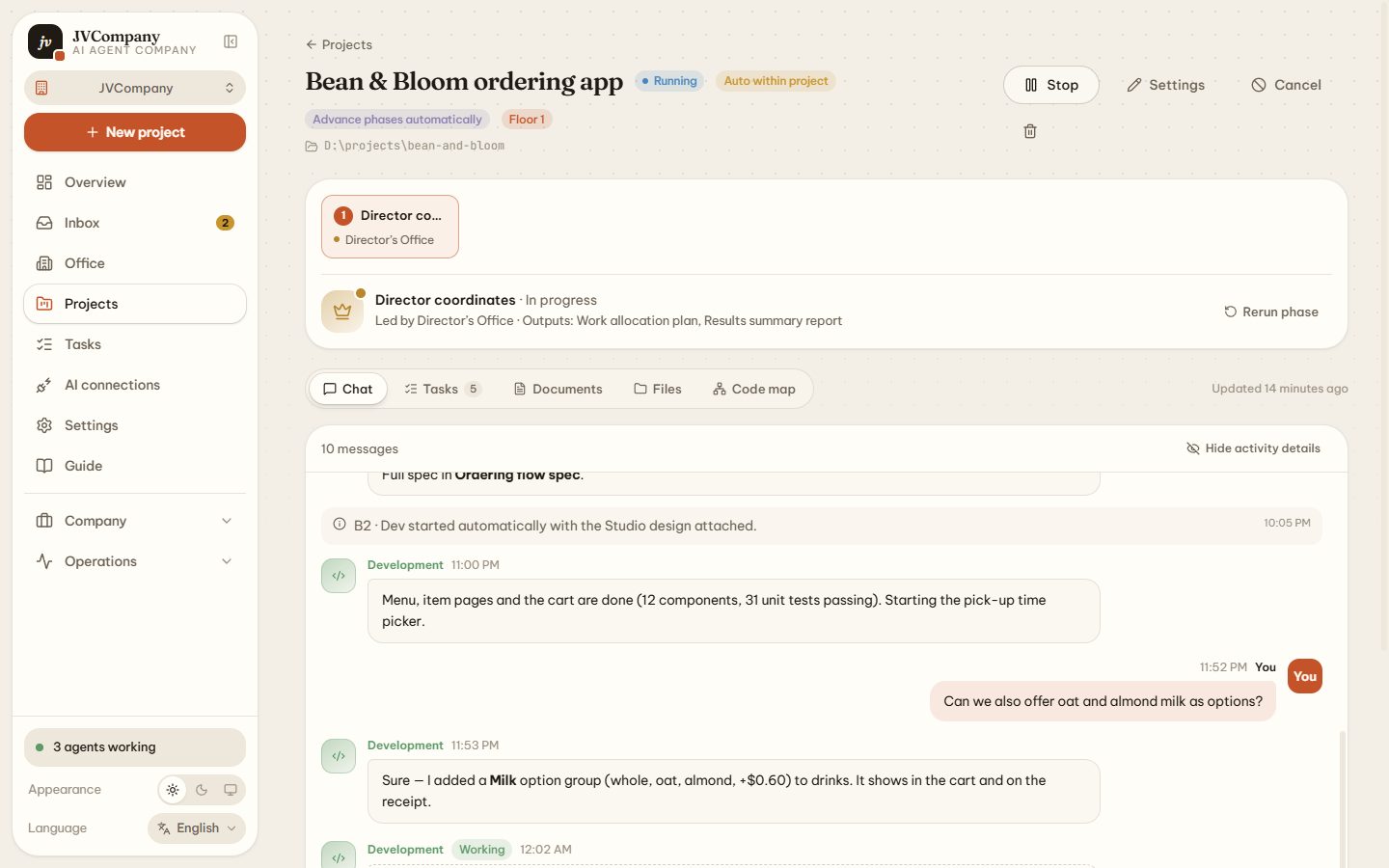
One request in. The director scopes it, builds a hand-off chain, grants per-task permissions and writes the final report.
Subscription CLIs, API keys, OpenAI-compatible endpoints, local models — or ChatGPT/Claude.ai in the browser. Mix models per department.
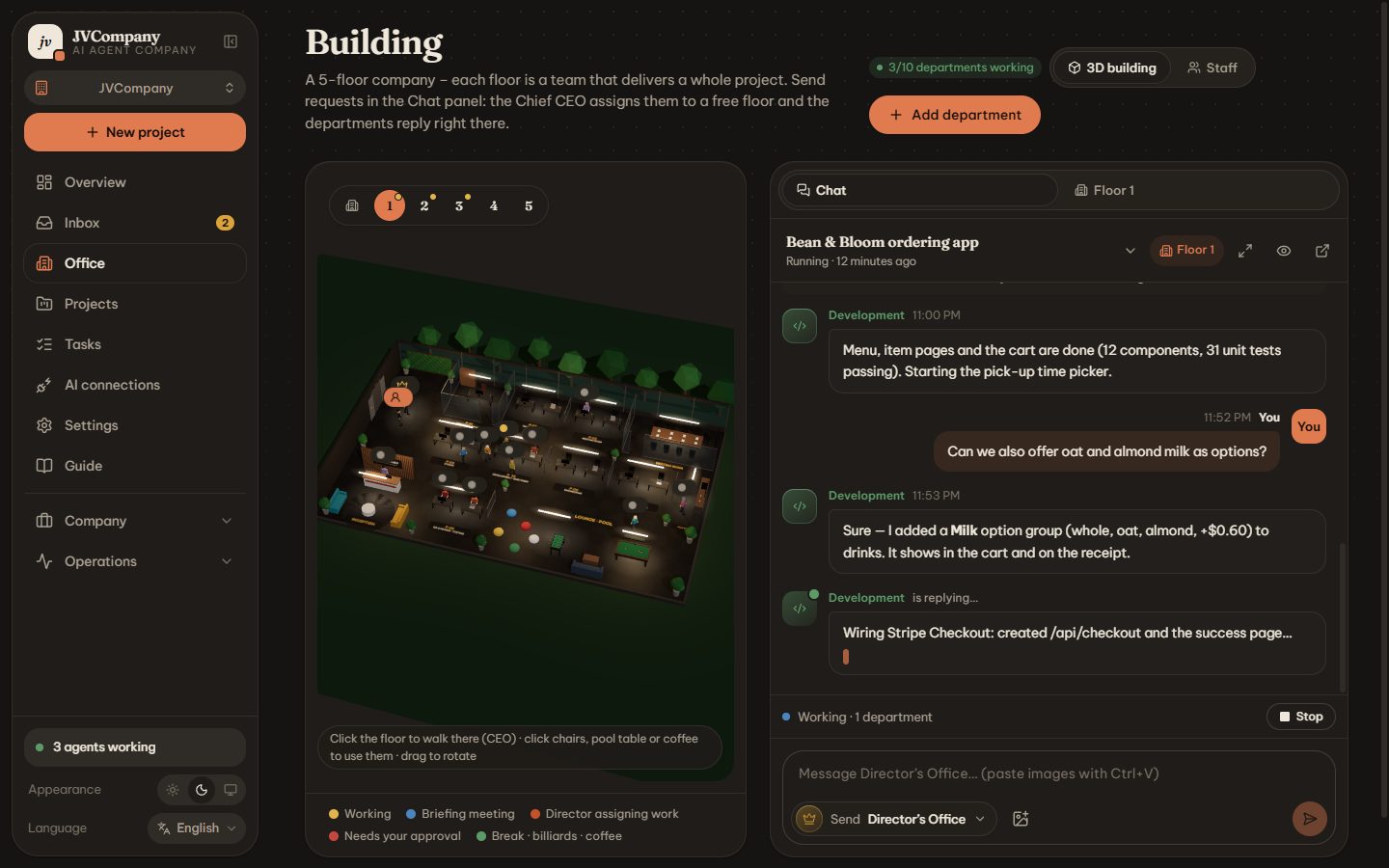
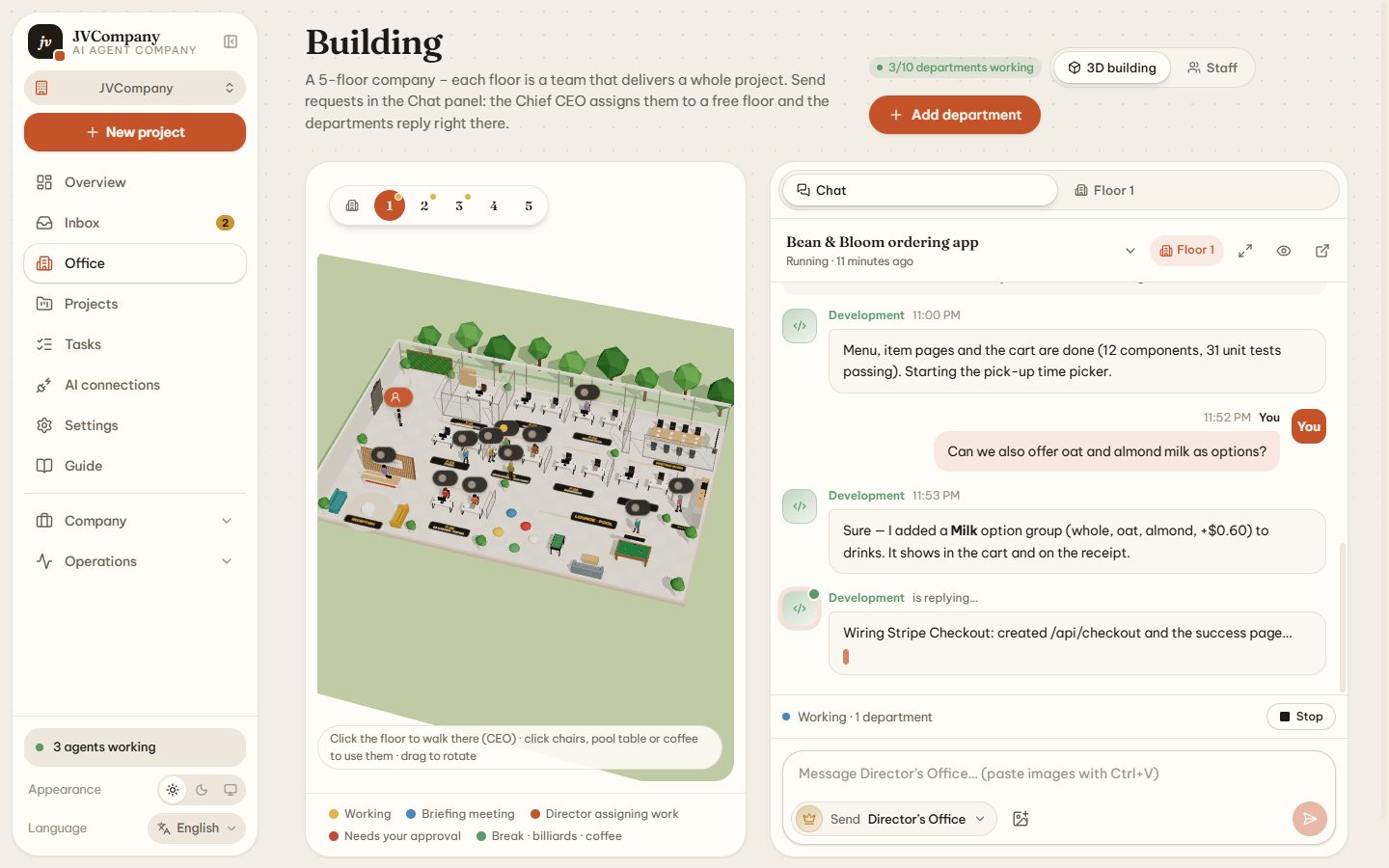
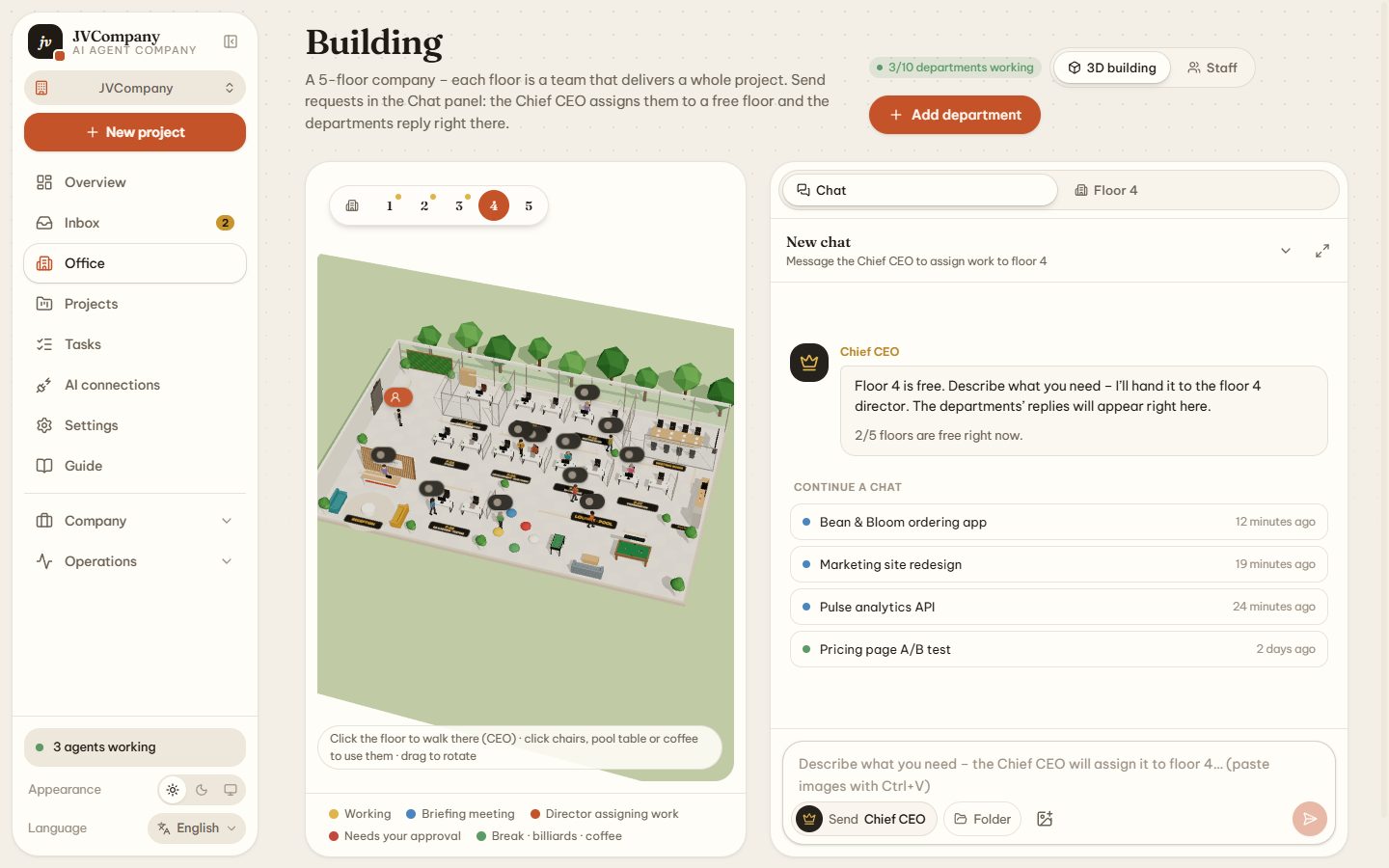
Five floors, five projects in parallel. Agents code at their desks, meet, wait for approvals and play billiards — driven by real task state.
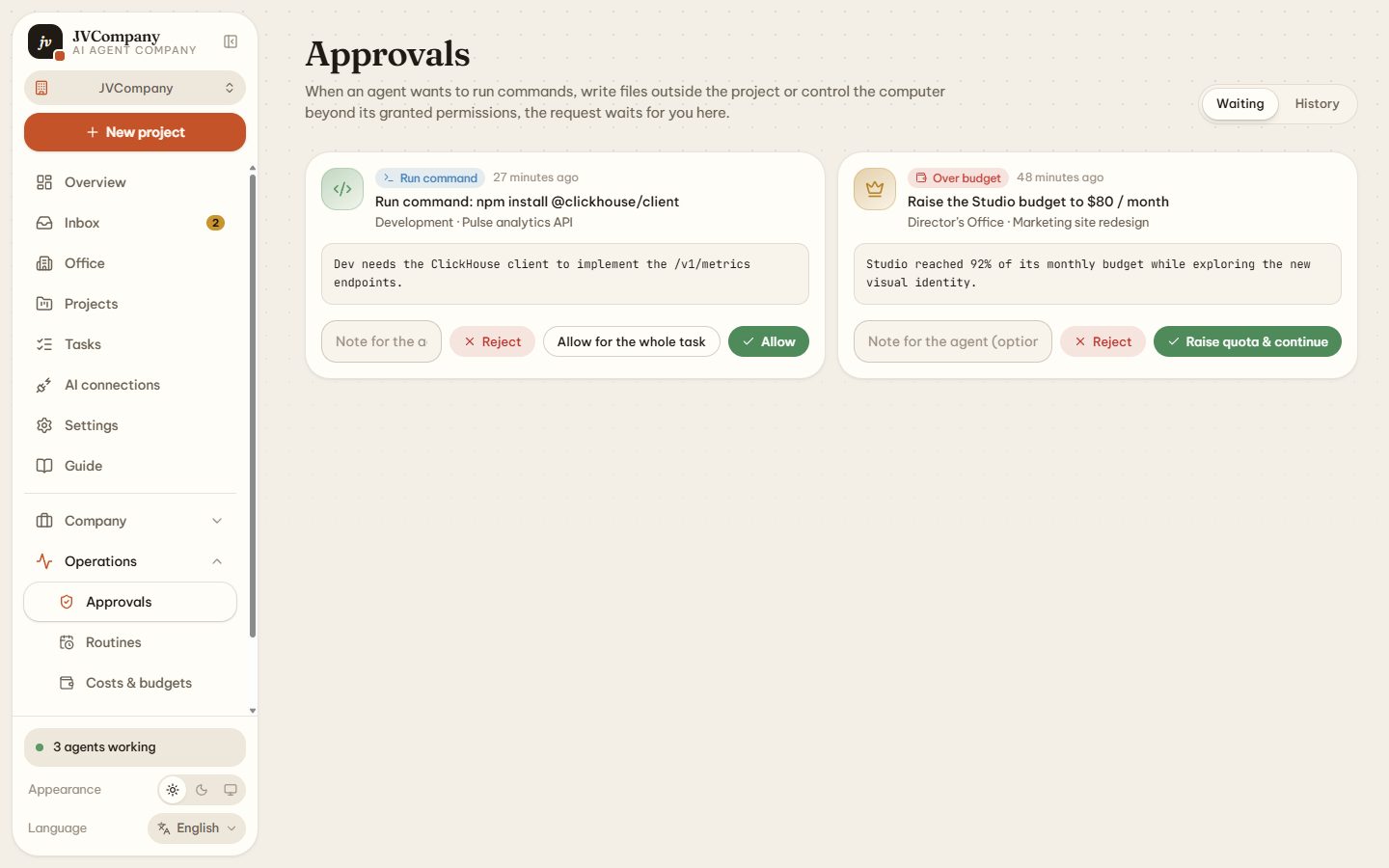
Read-only, read & write, auto in project or full computer control. Anything above the level becomes an approval request.
Detects usage limits, waits for the exact reset and resumes — or switches to a fallback connection. Claude Code resumes the same session.
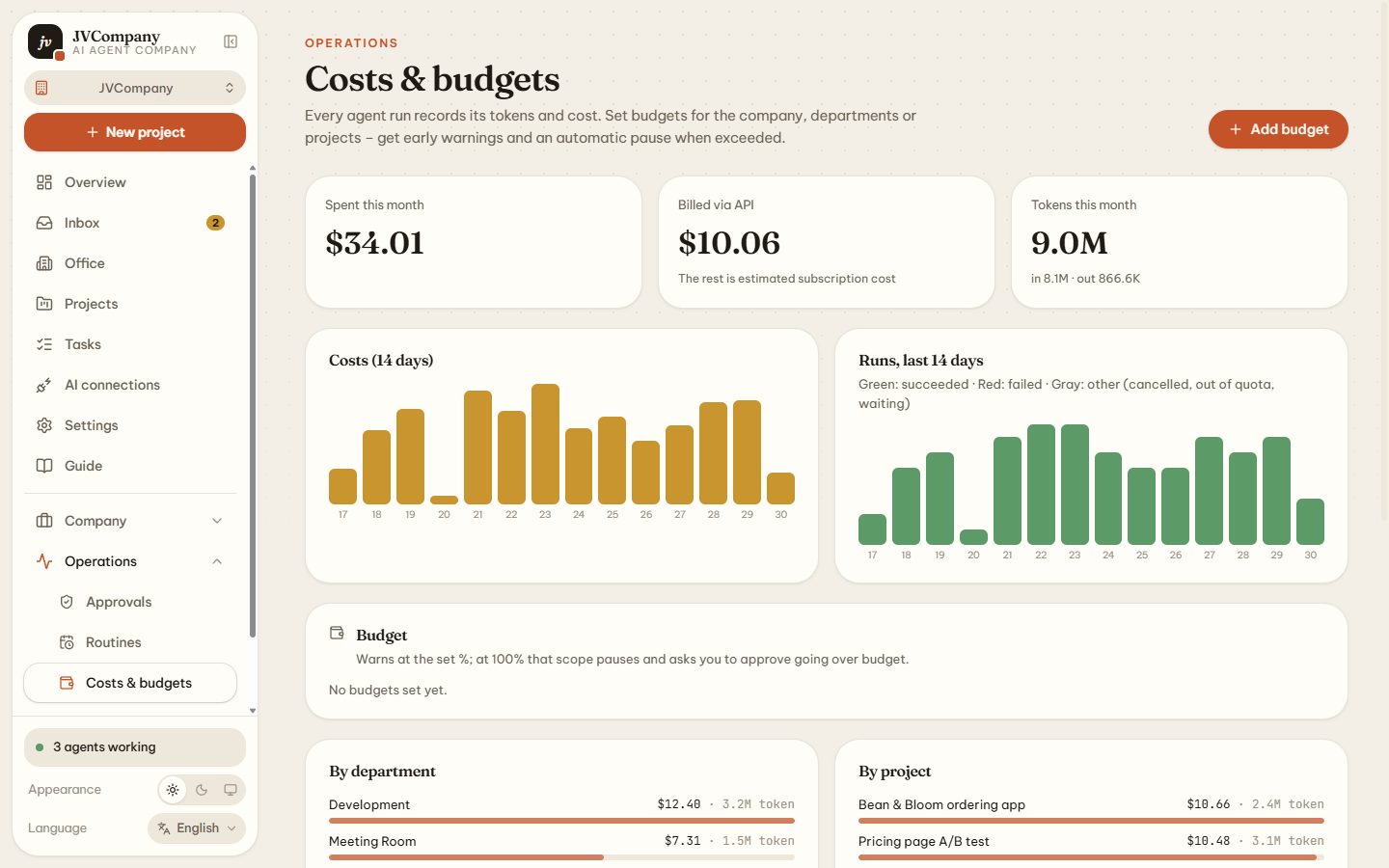
Tokens and cost for every run; budgets per company, department or project with automatic pause at 100 %.
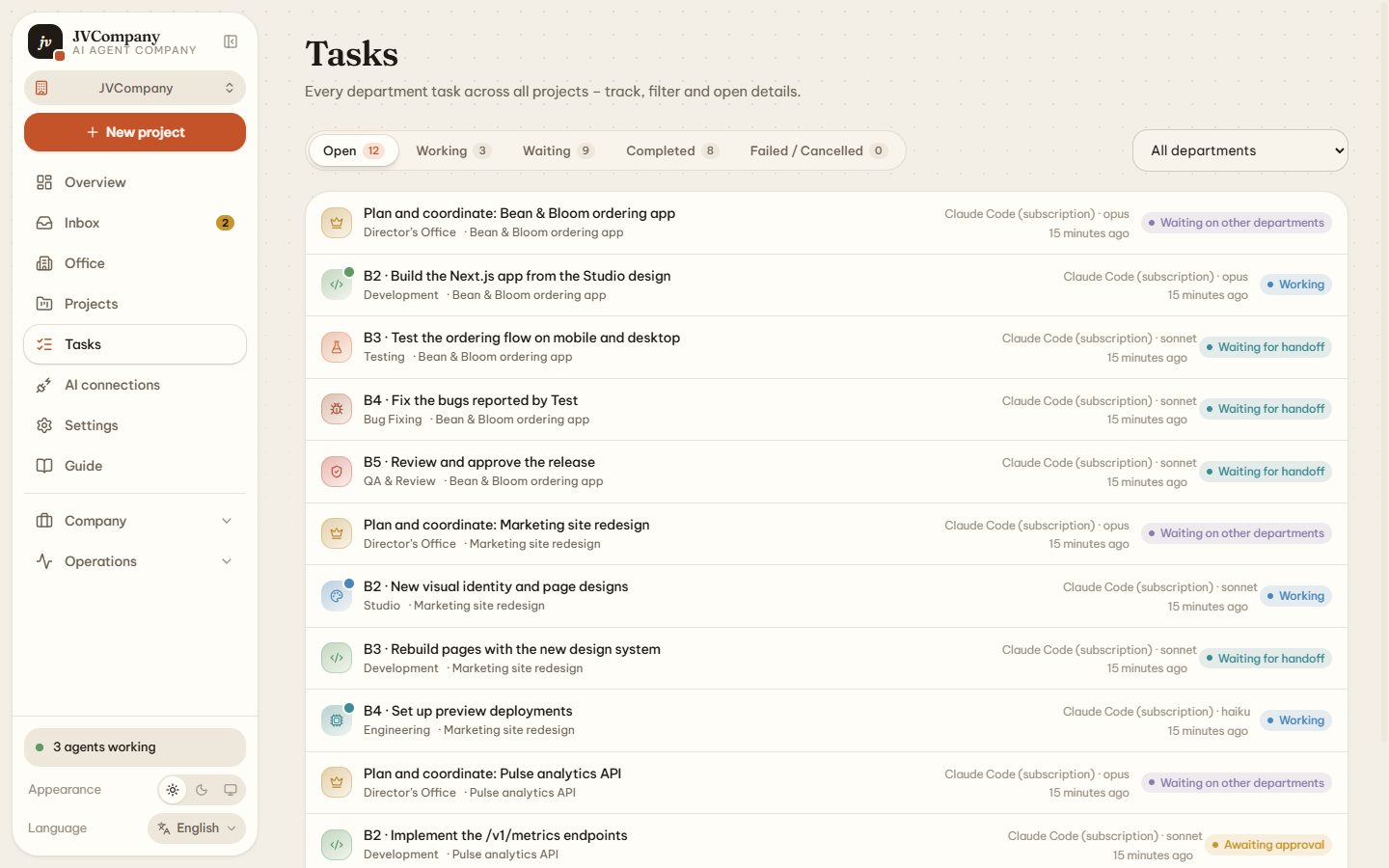
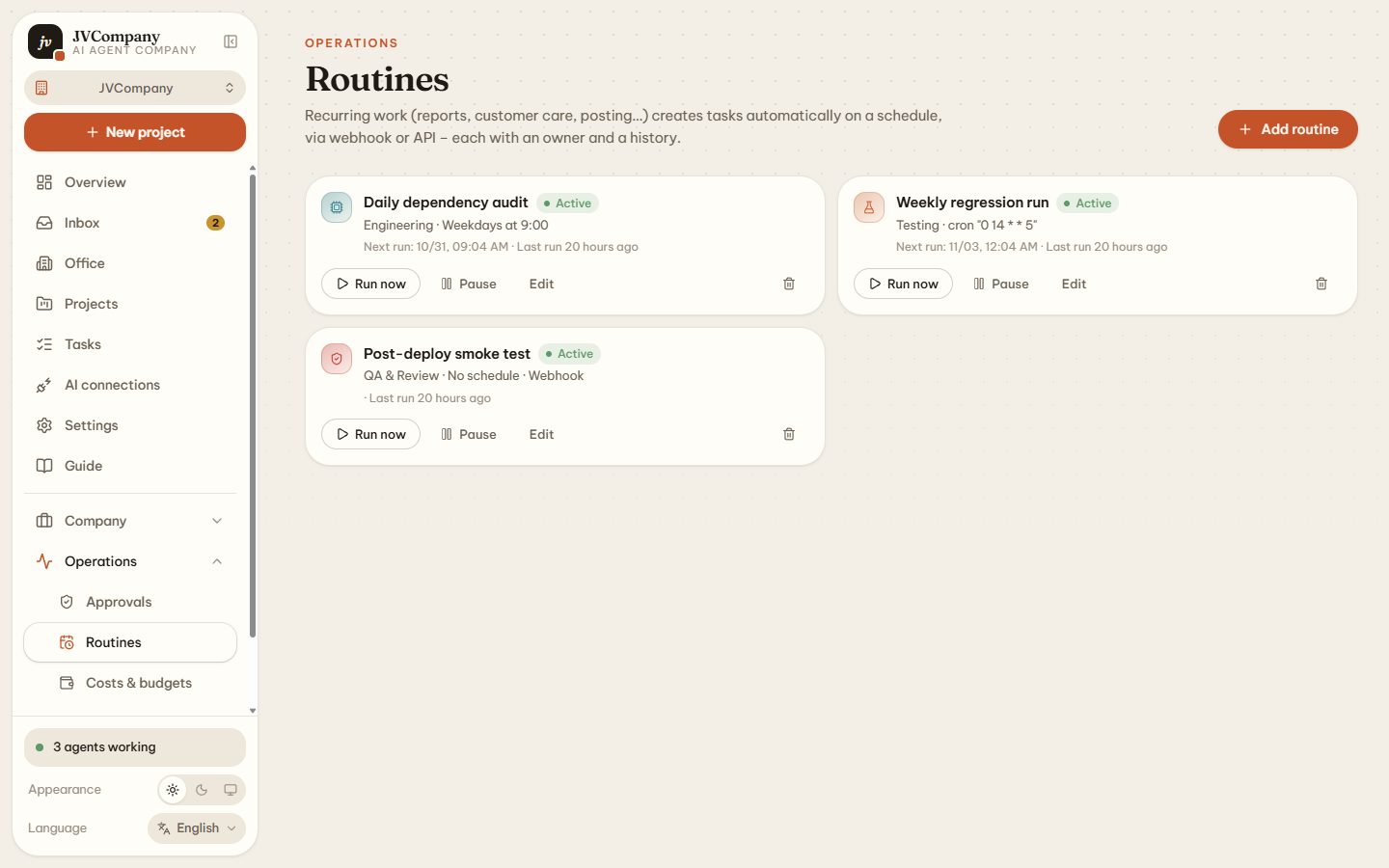
Goal trees, JV-123 task IDs, multi-step approvals, and routines triggered by cron, webhook (HMAC) or API.
AES-256-GCM secret vault, SKILL.md skills, plugins, MCP connections, agent evals and a full activity log.
The director turns your request into a hand-off chain. Each step starts automatically with the previous step's output; failures go back to the director, and you approve anything risky.
A five-floor building rendered with three.js. Every character reflects a real agent and a real task.
Each department picks its own connection, a model tier (Premium / Balanced / Fast) and a fallback.
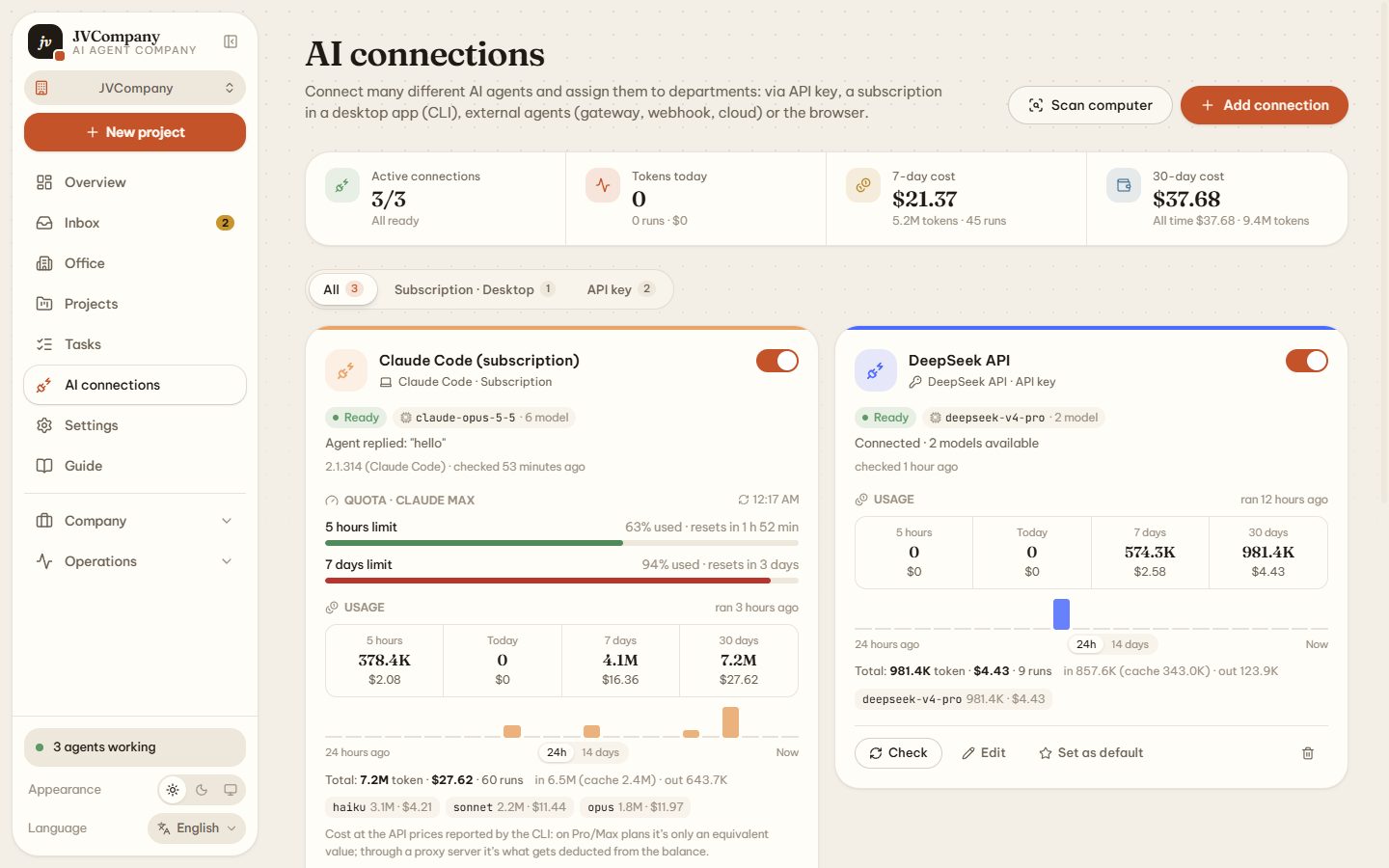
English UI shown — the app ships in 10 languages, English by default.
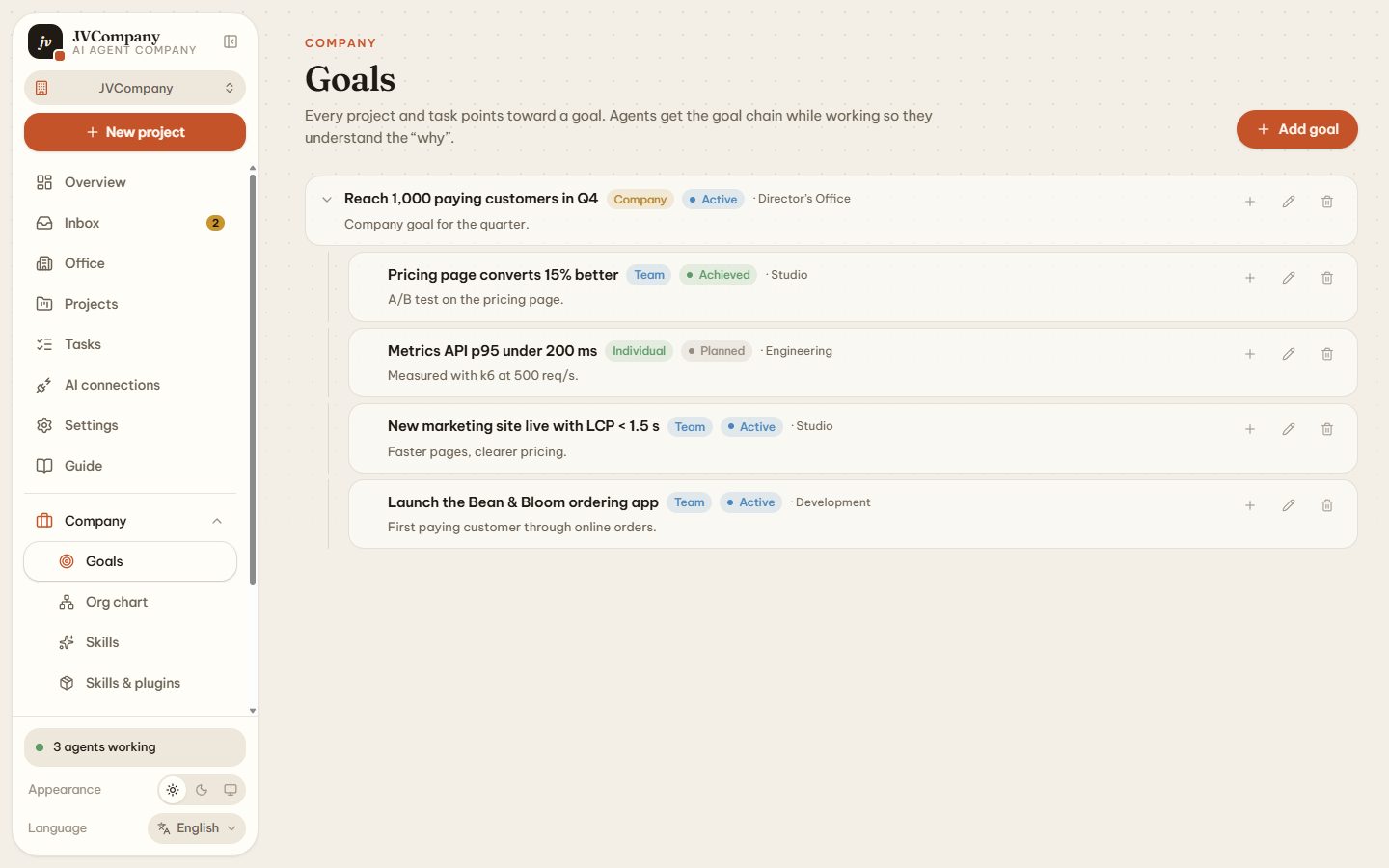
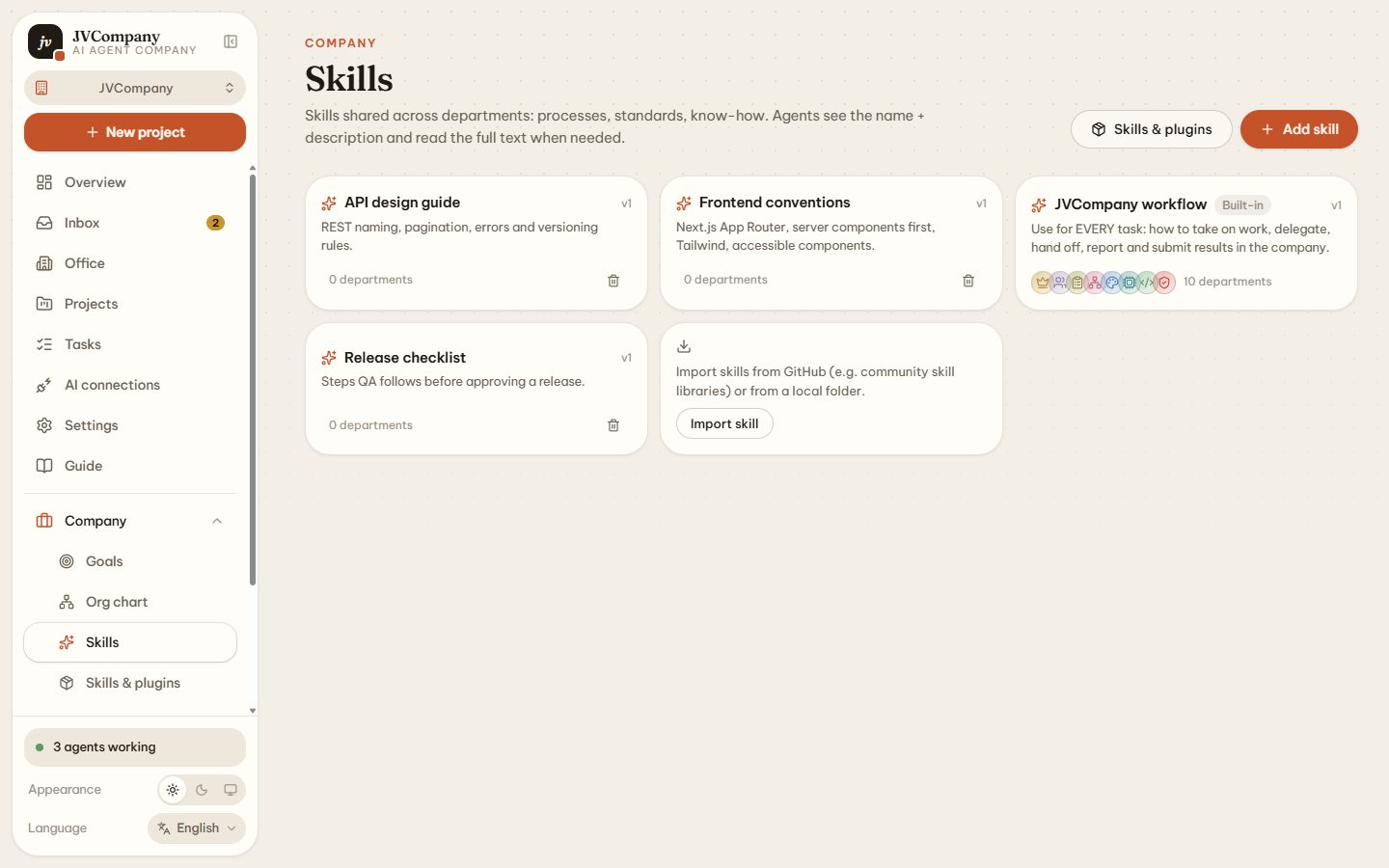
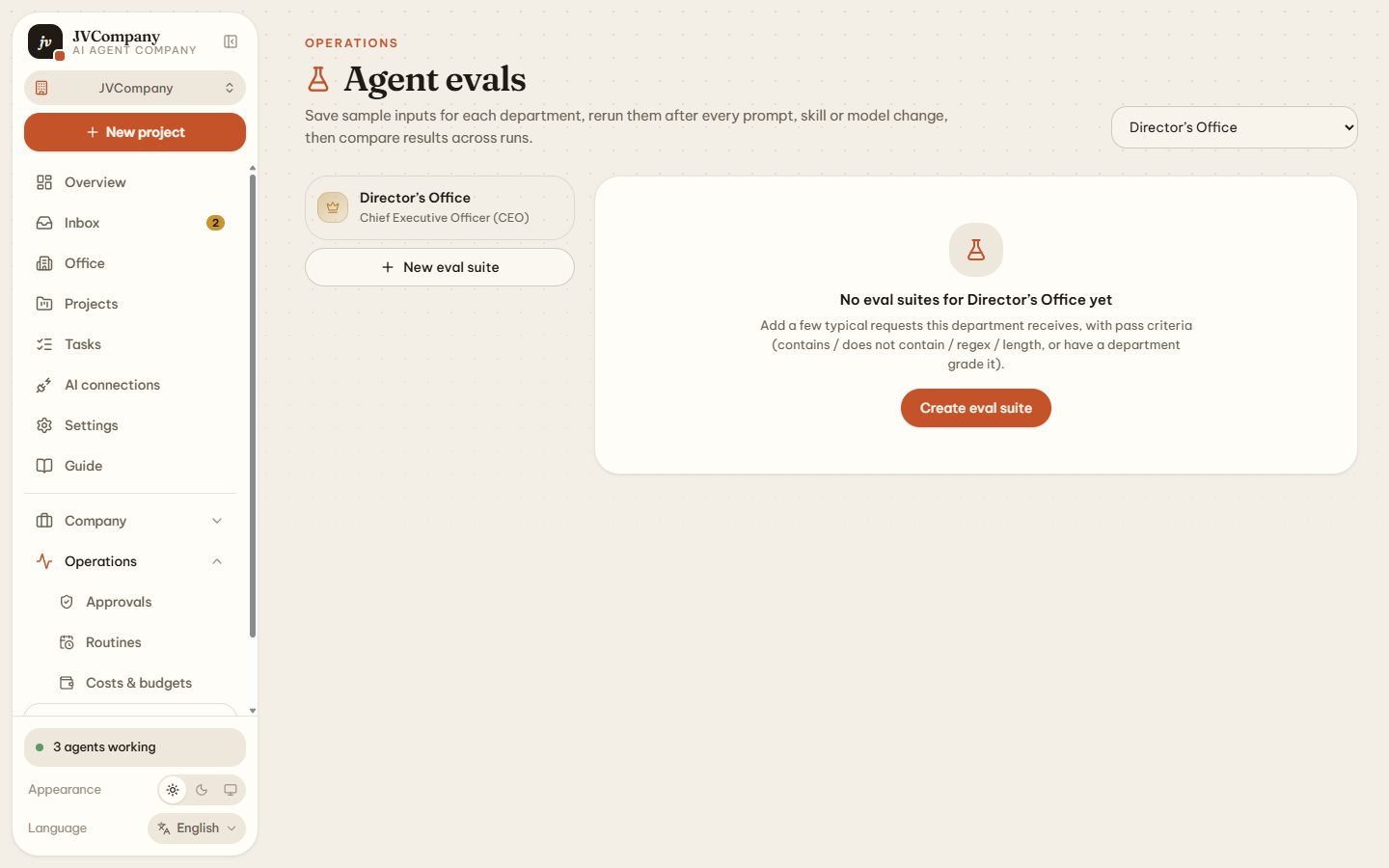
You need Node.js 20+ and MongoDB (local, Docker or Atlas). Agent CLIs you have signed in to are detected automatically.
create-jvcompany downloads the source, writes .env.local, checks MongoDB and installs everything.npm run desktop (Windows, macOS, Linux).127.0.0.1 only — your office stays private.npx create-jvcompany@latest # → http://127.0.0.1:2501Or install manually:
git clone https://github.com/inuxmax/JVcompany.git
cd JVcompany
npm install
cp .env.example .env.local   # set MONGODB_URI
npm run dev # http://127.0.0.1:2501Four permission levels per project and department. Anything above the level is turned into an approval request.
| Level | Read | Write | Shell | Outside project | Mouse / keyboard |
|---|---|---|---|---|---|
| Read-only | ✅ | ❌ | ❌ | ask | ❌ |
| Read & write | ✅ | ✅ | ask | ask | ask* |
| Auto inside project | ✅ | ✅ | ✅ | ask | ask* |
| Full computer access | ✅ | ✅ | ✅ | ✅ | ✅* |
* Computer control must also be enabled in Settings.
Yes. It is open source under the MIT license and runs on your own computer. You only pay for the AI you connect — or nothing with local models (Ollama, LM Studio) or subscriptions you already have.
Claude Code, OpenAI Codex, Gemini CLI, Cursor Agent, GitHub Copilot CLI, Qwen Code, OpenCode and custom CLIs; API keys for Claude, OpenAI, Gemini, Grok, DeepSeek, OpenRouter, Groq, Mistral and any OpenAI-compatible endpoint; local models via Ollama and LM Studio.
The app runs locally and binds to 127.0.0.1. Code is only sent to the AI provider you choose for a department — use a local model if nothing may leave your computer.
Every project and department has a permission level from read-only to full access. Anything above it becomes an approval request you must accept, and computer control is off until you enable it.
The run pauses, the reset time is read from the error, and the task resumes automatically — or switches to the department's fallback connection.
Free, open source and private by default. If you like it, a ⭐ on GitHub helps others find it.